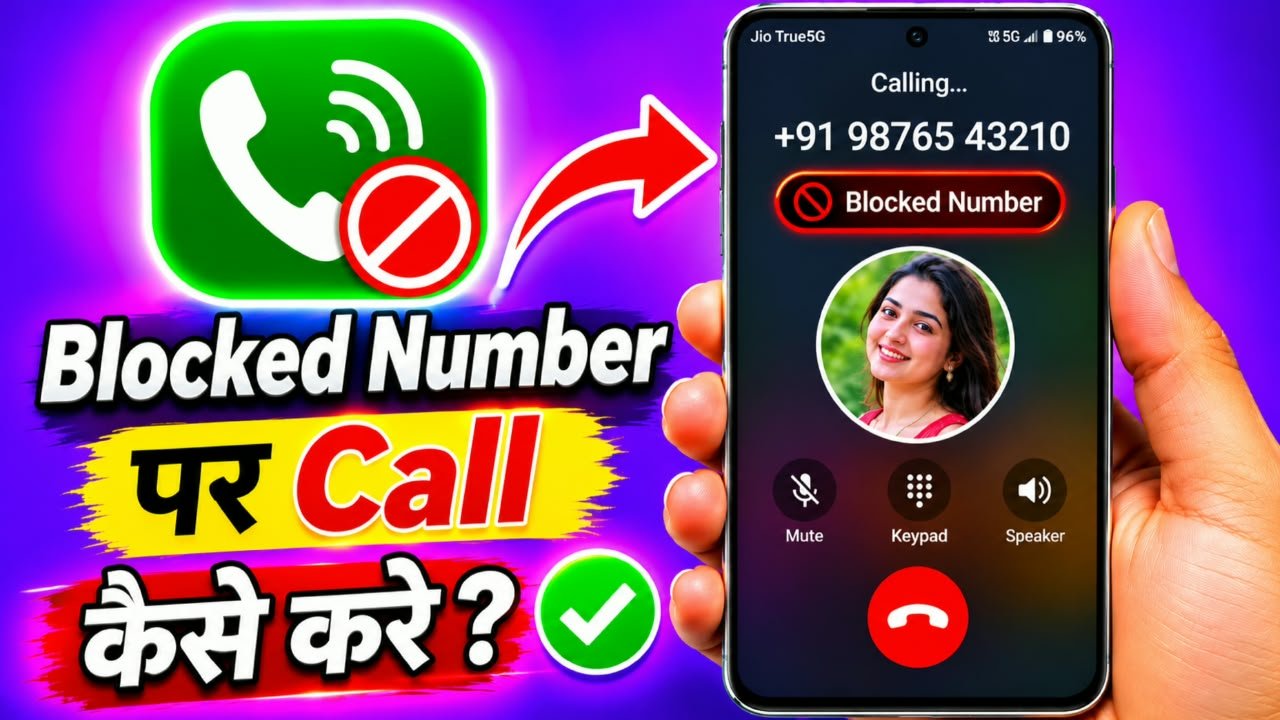
How to call someone who blocked you
Have you ever tried calling someone, but your call does not connect? Sometimes, you may wonder whether that person has blocked your mobile number. This is a common question among Android and iPhone users.When someone blocks your number, you may not be able to contact them through normal phone calls. In this article, we will explain how phone number blocking works, how to identify possible blocking signs, and what you can do if you need to contact someone for an important reason.
What Does It Mean When Someone Blocks Your Number?
When someone blocks your mobile number, their smartphone or calling service can automatically reject or filter calls from your number.For example, if you regularly call someone and they decide to block your number, your calls may no longer ring normally on their device.The exact behavior depends on the smartphone, operating system, and mobile network. Some phones send blocked calls to voicemail, while others automatically reject them.Blocking is a privacy feature that helps people control incoming calls and unwanted communication.
How to Know If Someone Has Blocked Your Number?
There are several signs that may indicate your number has been blocked. However, none of these signs alone can confirm that someone has blocked you.
1. Your Calls Do Not Connect
If your calls repeatedly fail to connect, you might suspect that your number has been blocked. However, network problems can also cause this issue.
2. Your Calls Go to Voicemail
On some smartphones and networks, calls from blocked numbers may be redirected to voicemail.
3. You Hear a Busy Tone
Sometimes, you may hear a busy tone or experience an immediate call disconnection. This can happen for several reasons and does not necessarily mean you are blocked.
4. Your Messages Do Not Receive a Response
If someone is not responding to your messages, it does not automatically mean they have blocked you. They may simply be unavailable or choosing not to communicate.
Can You Call Someone Who Has Blocked You?
Many people search for applications or secret settings that allow them to call someone who has blocked their number.However, there is no guaranteed legitimate method to bypass another person’s blocking decision. Phone blocking is designed to give people control over their privacy.Some internet calling services provide alternative communication options, but they do not guarantee that a blocked person will receive or accept your call.You should never use another number, an unknown caller ID, or a third-party application to repeatedly contact someone who has deliberately blocked you.
What Should You Do If Someone Blocks Your Number?
If someone has blocked your phone number, the best option is to respect their decision.
If you have an important matter to communicate, consider these responsible options:
- Give the person some time and space.
- If appropriate, send one respectful message through an existing communication channel.
- For an essential family or official matter, ask a mutually trusted person to pass along a brief message without pressuring them.
- If there is an emergency, contact the appropriate emergency services.
Always respect the other person’s privacy and communication preferences.
How to Block a Number on an Android Phone
If you want to block unwanted calls on your own Android smartphone, follow these steps:
- Open the Phone application.
- Tap the three-dot menu.
- Select Settings.
- Find the Blocked Numbers option.
- Select Add Number if available.
- Enter the mobile number you want to block.
- Confirm your selection.
After completing these steps, your phone may automatically filter calls from that number.The exact settings can vary between Samsung, Redmi, Realme, Vivo, Oppo, and other Android smartphones.
How to Unblock a Number on Android
If you accidentally blocked someone’s mobile number, you can remove it from your blocked list.
- Open the Phone app.
- Tap the three-dot menu.
- Go to Settings.
- Select Blocked Numbers.
- Find the number you want to unblock.
- Tap the Unblock option.
- Confirm your selection if requested.
After unblocking the number, incoming calls may work normally again, depending on your phone and network settings.
Are Private Number Calling Apps Safe?
You may find different applications on the Play Store that advertise private-number calling or internet-based calling.Before installing any such application, check its developer, user reviews, privacy policy, and permissions.Remember that these applications cannot guarantee that a person who blocked you will receive your call. They also should not be used to avoid someone’s privacy choices.Avoid applications that promise completely untraceable calls or ask for unnecessary personal information.
Frequently Asked Questions
Q1. Can I call someone if they have blocked my number?
There is no guaranteed legitimate way to bypass someone’s blocking settings. Respect their decision.
Q2. How can I confirm whether someone blocked my number?
Repeated call failures may be a sign, but they are not proof. Network problems and phone settings can produce similar results.
Q3. Does a blocked number receive my messages?
This depends on the phone, messaging application, and network. Blocked messages may be filtered or not delivered normally.
Q4. Can I unblock someone else’s phone number?
No. You can only manage the blocked-number settings on your own device or account.
Q5. Can an application guarantee a call to a blocked number?
No trustworthy application can guarantee that another person’s phone will accept a call after they have blocked you.