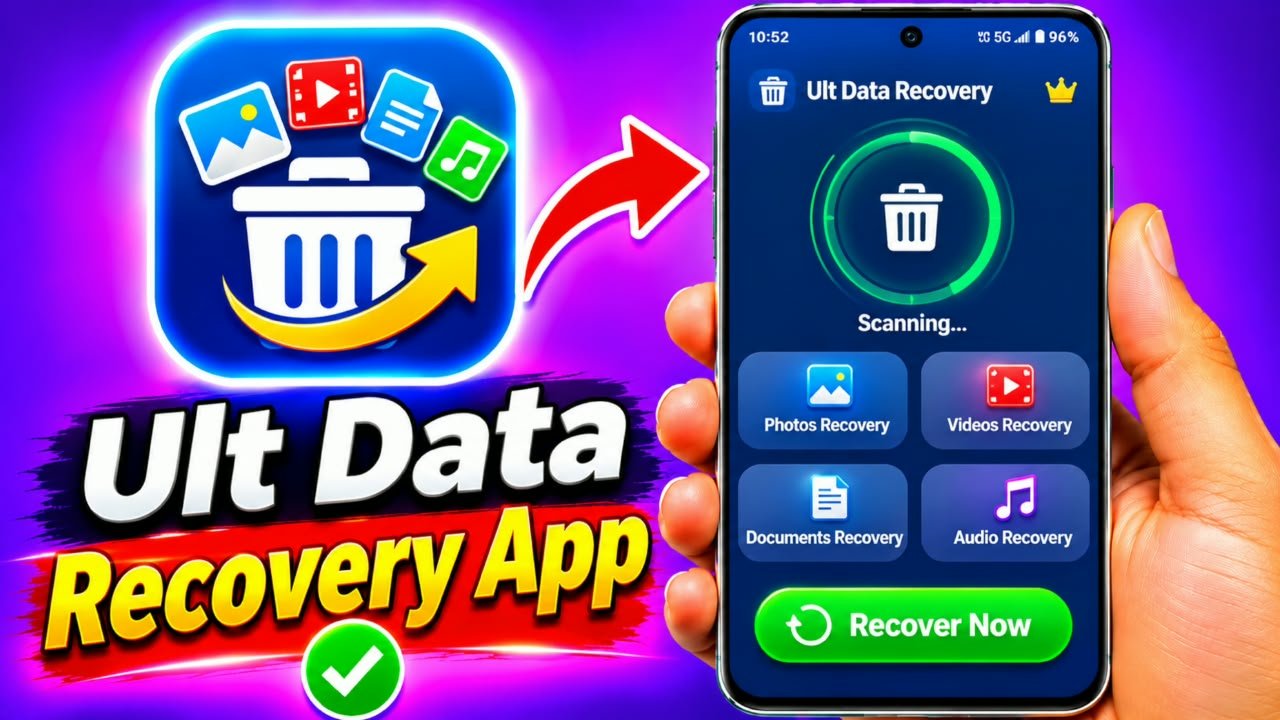
UltData Photo & Data Recovery App
Have you accidentally deleted important photos, videos, or files from your Android smartphone? so don’t worry today i will tell about UltData for Losing personal memories and important documents can be frustrating. Sometimes, users also lose their data after accidentally deleting files, changing phone settings, or experiencing storage problems.In such situations, a data recovery application may help you check whether deleted files are still recoverable. One application designed for this purpose is UltData Photo & Data Recovery.In this article, we will explain what the UltData app is, its main features, how to use it, and some important things to know before recovering your deleted data.
What Is UltData Photo & Data Recovery App?
UltData Photo & Data Recovery is a data recovery tool developed by Tenorshare. It is designed to help users find and recover certain types of lost or deleted data from supported devices.Depending on the version and device compatibility, the application may offer recovery options for photos, videos, and other supported data.It can be useful when you accidentally delete a photo or video and want to check whether a recoverable copy is available.However, no recovery application can guarantee that every deleted file will be restored. Recovery depends on several factors, including the device, storage system, file type, and whether the deleted data has been overwritten.
Main Features of UltData Photo & Data Recovery
Here are some features associated with the UltData recovery software.
1. Photo Recovery: The application provides photo recovery options for supported devices and storage conditions.
2. Video Recovery: Depending on the version, users may be able to scan for certain deleted video files.
3. Data Scanning: The software can scan supported storage locations to identify available files.
4. Preview Option: Some versions provide a preview feature so users can check recoverable files before restoring them.
5. Android Compatibility: The Android version supports selected Android devices and recovery functions.
6. Easy-to-Understand Interface: The application is designed with a user interface that helps users navigate its available recovery features.
How to Download UltData Photo & Data Recovery App
Follow these general steps to find and install the application:
- Open the Google Play Store or visit the official Tenorshare website.
- Search for UltData Photo & Data Recovery.
- Check the developer information and application details.
- Read the reviews and privacy information.
- Check whether your Android device is supported.
- Install the application if it is available for your device.
- Open the application after installation.
Always download the software from an official or trusted source.
How to Use UltData Photo & Data Recovery App
The available options may differ depending on your Android version and the application edition. Here is a general guide.
Step 1: Open the UltData App
After installation, open UltData Photo & Data Recovery on your smartphone. You may see different recovery options on the home screen.
Step 2: Select a Recovery Option
Choose the supported recovery category, such as photos or videos, depending on what you are trying to recover.
Step 3: Check the Required Permissions
The application may request storage or media access to scan files. Review each permission and grant only the access necessary for the recovery process.
Step 4: Start Scanning
If your device and application version support scanning, start the scan using the instructions displayed on the screen.
Step 5: Preview Available Files
After scanning, check whether the application has found the photos or videos you are looking for. Use the preview option if available.
Step 6: Select Files to Recover
Select the files you want to restore, if the application provides a recovery option for them.
Step 7: Save Recovered Files
Follow the application’s instructions to save recovered files. Where possible, save them to a different storage location to avoid overwriting other potentially recoverable data.
Can UltData Recover Permanently Deleted Photos?
Recovery is not guaranteed. If a deleted file is still available in a backup, cloud account, recycle bin, or recoverable storage area, you may be able to restore it.Modern Android devices use encryption and storage-management systems that can make recovery of permanently deleted internal-storage files difficult or impossible.For this reason, check Google Photos Trash, your phone’s Gallery Trash, and existing backups before using a recovery tool.
Is UltData Photo & Data Recovery Safe?
Before using any data recovery application, check its official developer, privacy policy, permissions, and reviews.Avoid granting unnecessary permissions, and do not share personal photos or account credentials with unknown services.Also, be aware that some recovery features may require payment or a subscription. Check the pricing before purchasing anything.
Advantages of UltData App
- Provides recovery tools for supported file types.
- Offers scanning features on compatible devices.
- May allow users to preview recoverable files.
- Has a dedicated recovery interface.
- Can help users check whether deleted data is recoverable.